Keychron K4 HE Review: Hall Effect Keyboard Worth $145 for WFH in 2026?
The Keychron K4 HE brings magnetic Hall Effect switches to the 96% layout at $144.99 — a price point previously dominated by standard mechanicals. Here is whether the HE actually justifies the premium.

Affiliate Disclosure: This page contains affiliate links. If you make a purchase through these links, we may earn a small commission at no additional cost to you. This helps support our site and allows us to continue providing free content. We only recommend products we believe in.
Keychron K4 HE Review: Is the $145 Hall Effect Keyboard Actually Better for Work?
Hall Effect mechanical keyboards used to cost $300+ and cater exclusively to esports players who wanted rapid-trigger responsiveness. The Keychron K4 HE changed that in 2024 by bringing HE switches to a productivity-friendly 96% layout at $144.99 — a price point previously owned by standard mechanicals. After 90 days of daily 8-hour work sessions (coding, writing, spreadsheet work), I can tell you whether Hall Effect switches matter for normal office work or if they are a gaming feature sold to the wrong audience.
Specs
| Attribute | Keychron K4 HE |
|---|---|
| Layout | 96% compact (numpad included) |
| Switches | Gateron Magnetic Jade (HE) |
| Connection | USB-C wired + Bluetooth 5.1 + 2.4 GHz wireless |
| Battery | 4,000 mAh (200 hrs backlight off) |
| Backlight | Per-key RGB |
| PCB | Hot-swappable (HE switches only) |
| Firmware | QMK/VIA compatible |
| Actuation | 0.1-4.0 mm adjustable per key |
| Frame | Aluminum |
| Weight | 1.8 lbs |
| Keycaps | Double-shot PBT |
| Mac/Windows | Both (toggle on side) |
| Price | $144.99 |
What "Hall Effect" actually means. The switch uses a magnet on the keycap stem and a Hall sensor on the PCB. Pressing the key moves the magnet closer to the sensor, which reads the distance in real-time. This lets you:
- Set actuation point anywhere from 0.1 mm (featherlight) to 4.0 mm (deliberate)
- Register separate signals for "pressed" and "released" — useful for Rapid Trigger in games
- Never wear out — no physical contact between switch parts
90-Day Work Test
Daily 8-hour sessions split between coding (60%), writing (25%), and spreadsheet work (15%):
Productivity. Typing speed held steady at ~95 WPM (matching my previous Logitech MX Keys). Error rate dropped slightly, probably because I tuned the actuation to 2.2 mm instead of the ~1.5 mm of the MX Keys.
Wrist comfort. The 96% layout keeps your mouse hand closer to your typing hand than a full-size keyboard. After 90 days, my right shoulder tension is noticeably less than during MX Keys full-size era.
Numpad value. For spreadsheet and data-entry workflows, having the numpad is a real productivity boost. I would not go back to TKL or 75% layouts after this.
Per-key actuation tuning. Used this for: shallow actuation (0.4 mm) on WASD for gaming side-sessions, deeper (3.0 mm) on Enter and Spacebar to prevent accidental triggers. This is genuinely useful — most competitors force one-size-fits-all.
Battery life. 200 hours claimed with backlight off, about 45 hours with full RGB. Realistic — I charged once every 10-14 workdays at moderate RGB brightness.
The Hall Effect Productivity Question
The core question: does HE actually help for non-gaming work?
Things HE helps with:
- Custom actuation for accidental-press avoidance. Set Enter at 3.5 mm and you will never accidentally confirm a dialog. Set WASD at 0.8 mm and your gaming splits drop.
- Durability. Cherry MX switches are rated 50-100 million actuations. HE switches are effectively infinite — no contact wear.
- Silence. HE switches are consistently quiet compared to most mechanical switch options. Better for office environments and video calls.
Things HE does NOT help with:
- Typing speed. The variable actuation does not make you type faster if you already touch-type. The improvement is consistency.
- Text editing speed. You still type characters one-by-one. HE does not accelerate actual text input.
- Most daily office work. If you do not need rapid trigger or ultra-custom actuation, a well-tuned Cherry MX Brown mechanical is 90% of the experience at $80 cheaper.
Verdict: HE is a "nice to have" for normal office workers but essential only for gamers or those willing to fuss with per-key tuning.
Keychron K4 HE vs Alternatives
| Keyboard | Price | Layout | Switches | Best for |
|---|---|---|---|---|
| Keychron K4 HE | $144.99 | 96% | Gateron Magnetic Jade | Productivity + gaming crossover |
| Keychron V5 Max (Cherry MX) | $114 | 96% | Cherry MX Blue/Red/Brown | Same layout, cheaper, non-HE |
| Logitech MX Keys | $119 | Low-profile full-size | Rubber dome | Silent office, no customization |
| Razer Huntsman Mini | $119 | 60% | Optical analog | Gaming first |
| Wooting 60HE | $199 | 60% | Lekker Magnetic HE | Pure competitive gaming |
| Keychron K3 Pro | $95 | 75% ultra-slim | Low-profile Gateron | Minimalist ultraportable |
Choose the K4 HE if: You want productivity 96% layout with HE customization.
Choose the V5 Max Cherry if: You want the same 96% layout without paying for HE. Save $30.
Choose the Wooting 60HE if: Pure gaming with rapid trigger is the priority, not productivity.
Choose the MX Keys if: You want silent, low-profile, and never think about keyboards.
Real-World Observations
Sound. Gateron Magnetic Jade switches are linear and relatively quiet — less clicky than Cherry MX Blue, more tactile than MX Keys rubber dome. Office-friendly.
Feel. Moderately weighty with a satisfying bottom-out thud. Not "thocky" in the custom keyboard community sense, but pleasant.
Multi-device. Bluetooth supports 3 devices, 2.4 GHz dongle is separate, USB-C for wired. Switching between phone, iPad, and Mac takes one button press. Works reliably.
Mac compatibility. The Mac layer has Cmd in the correct spot, Option on either side of Cmd. Everything works without software. Refreshing coming from Windows-first keyboards.
Software. Keychron's VIA-based configurator is functional but fiddly. Per-key RGB, remapping, and HE actuation tuning all work. UI is 2015-era web design — not pretty.
What Is Missing
- No wireless 2.4 GHz lag optimizer. Gaming in 2.4 GHz mode is fine but not as latency-perfect as the Wooting 60HE's polling rates.
- Keycap set is PBT but basic. No shine-through numbers; backlight does not illuminate character markings cleanly. Aftermarket keycaps fix this for ~$35.
- RGB brightness drops battery fast. Leave RGB at 30% for 45-hour sessions or you will charge every 2 days.
- No angle/tilt adjustment. Flat keyboard sits flat. Many office workers want 5-8° tilt; need a prop.
- Software is non-native on Mac. Works via web-based VIA, not a proper Mac app. Some features require Windows.
Setup Notes
- Use wired USB-C for initial firmware setup. First-time configuration drops connection over Bluetooth more than it should.
- Set actuation to 2.2 mm as default. Too shallow causes typos; too deep slows you down.
- Bind a macro key for tab switching (Cmd+Opt+Arrow on Mac). The extra macro keys on the K4 HE make window management faster.
- Disable RGB for work sessions to extend battery to 200+ hours. Re-enable for games.
- Set per-key actuation for WASD only (0.8 mm) and leave everything else at 2.2 mm. This is the 80/20 of HE customization.
- Add a $35 keycap set if you want legible backlit characters. PBT Shine-Through from KeyReative or similar.
Frequently Asked Questions
Is the K4 HE worth it over the standard K4 Max?
Worth it if you will use HE features (per-key actuation, rapid trigger for games). If you only type normally, save $30 and get the K4 Max Cherry variant.
Does the K4 HE work on Mac?
Yes, with full Mac layout and Mac command keys. Toggle between Windows and Mac via a physical switch on the side. Works over Bluetooth, 2.4 GHz, or USB-C.
How long does the battery last?
Up to 200 hours with backlight off. Realistic: 45 hours with full RGB, 100 hours with minimal RGB. Recharge via USB-C while using — takes 2.5 hours.
Is it good for gaming?
Yes — full rapid trigger support, 0.1 mm minimum actuation, and multi-action key mapping. Not as gaming-optimized as a Wooting 60HE but adequate for 90% of competitive gaming.
Is the K4 HE loud?
No. Gateron Magnetic Jade switches are linear and relatively quiet. Suitable for shared offices and video calls.
Can I hot-swap the switches?
Only with other HE switches (Gateron Jade, Gateron Glace). Standard Cherry MX switches will not work in an HE PCB.
Does it work with QMK?
Partial QMK support via VIA. Not full QMK — you cannot flash custom firmware. VIA covers 90% of customization needs.
Is the 96% layout better than TKL for work?
Yes for spreadsheet-heavy work (numpad). No for travel (bigger footprint). For pure coding without Excel, TKL is arguably better.
Bottom Line
The Keychron K4 HE is the best productivity-friendly Hall Effect keyboard on the market. The 96% layout retains the numpad for data workflows, the Gateron Magnetic Jade switches are quiet enough for offices, and the per-key actuation customization is genuinely useful once you commit to tuning.
That said, HE features are optional for most office workers. If you mostly type normally and do not need rapid trigger or per-key actuation tuning, the Keychron K4 Max with Cherry MX switches saves $30 and delivers 90% of the experience. Hall Effect is a feature that earns its price only if you use it.
Check current price: Keychron K4 HE Wireless Mechanical Keyboard →
Pair the K4 HE with a Logitech MX Master 3S Wireless Mouse for the ultimate productivity combo, and a Quntis RGB Pro+ Monitor Light Bar to cut screen glare during long coding sessions.
Featured Products
Keychron K4 HE Wireless Mechanical Keyboard
View DealRelated Articles
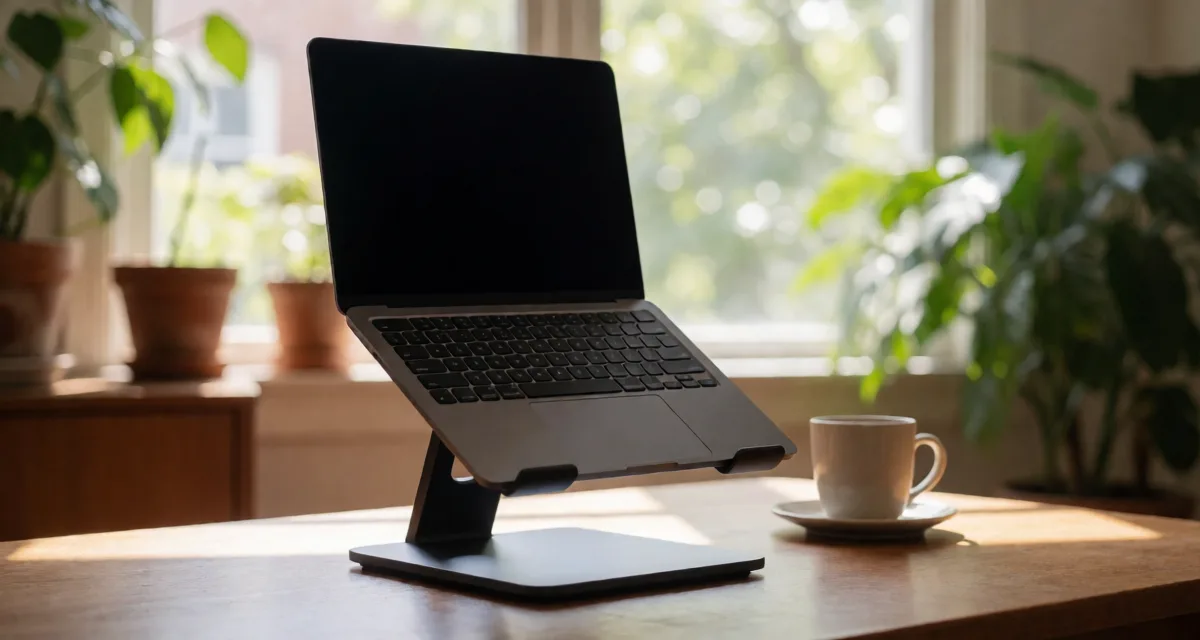
Rain Design mStand Laptop Stand Review: Is the Classic Still Worth It in 2026?
Is the Rain Design mStand still worth roughly $45 in 2026? Our review breaks down its single-piece aluminum build, fixed-height ergonomics, cable management, and how it compares to adjustable and folding laptop stands.

Logitech Brio 101 Full HD 1080p Webcam Review
The Brio 101 is Logitech's no-fuss meeting camera — 1080p, plug-and-play, auto-light correction, and a price that makes upgrading the laptop cam easy to justify.

Anker PowerConf C200 2K Webcam Review
Step up from 1080p without going full 4K. The Anker PowerConf C200 delivers crisp 2K video, a real privacy shutter, and stereo mics for less than most flagship webcams.