Logitech Brio 101 Full HD 1080p Webcam Review
The Brio 101 is Logitech's no-fuss meeting camera — 1080p, plug-and-play, auto-light correction, and a price that makes upgrading the laptop cam easy to justify.

Affiliate Disclosure: This page contains affiliate links. If you make a purchase through these links, we may earn a small commission at no additional cost to you. This helps support our site and allows us to continue providing free content. We only recommend products we believe in.
TL;DR
The Logitech Brio 101 is a Full HD 1080p webcam designed for video meetings, streaming, and desktop calls. It uses a wide 90-degree field of view, auto light correction, and a fixed-focus lens that just works. No drivers, no software, no fuss.
Why It Matters
Most laptop webcams ship at 720p with washed-out colors and noisy low-light performance. Even a basic external 1080p camera looks dramatically better on calls — sharper image, better color, less grainy in dim rooms. The Brio 101 is the simplest credible upgrade from a laptop cam.
Key Specs
- 1920 x 1080 (Full HD) at 30fps
- 90-degree diagonal field of view
- Auto light correction (HDR-style)
- Fixed focus, optimized for ~2 ft distance
- Built-in mono microphone
- USB-A connection (1.5m cable)
- Universal monitor mount or tripod thread
Pros
- True plug-and-play on Windows, macOS, ChromeOS, Linux
- Auto light correction handles backlit windows surprisingly well
- 90-degree FOV fits 1-2 people without distortion
- Mount works on flat and curved monitors
- Cheaper than most 1080p alternatives
Cons
- Fixed focus can soften beyond ~3 feet
- Built-in mic is functional, not impressive
- No privacy shutter (use a tape solution or Logitech case)
- Cable length limits placement options
Who It's For
Remote workers, occasional streamers, and anyone whose laptop camera makes them look worse than they are. Also a strong fit for shared desks where multiple people use the same camera. Skip it if you need 4K, autofocus, or a content-creator-grade camera.
How to Use It
Mount on top of your monitor, centered with your face. Position so your eyes hit roughly one-third from the top of the frame. Use a desk lamp or monitor light bar in front of you (not behind) to take pressure off the auto-correction. In Zoom or Teams, set the camera to 1080p manually — some apps default to 720p even with a 1080p camera.
How It Compares
Versus the Logitech C920, the Brio 101 has slightly better light correction and a wider FOV in a more compact body. Versus the Brio 4K (the older flagship), the Brio 101 lacks 4K resolution but costs roughly half. For meetings, the Brio 101 is the right choice.
Bottom Line
A dependable 1080p webcam that beats every laptop camera and avoids the cost of pro-grade gear. The Brio 101 is the upgrade that makes you look professional on calls without trying.
Featured Products
Logitech Brio 101 Full HD 1080p Webcam for Meetings, Streaming, Desktop, Laptop, PC - Built-in
View DealRelated Articles
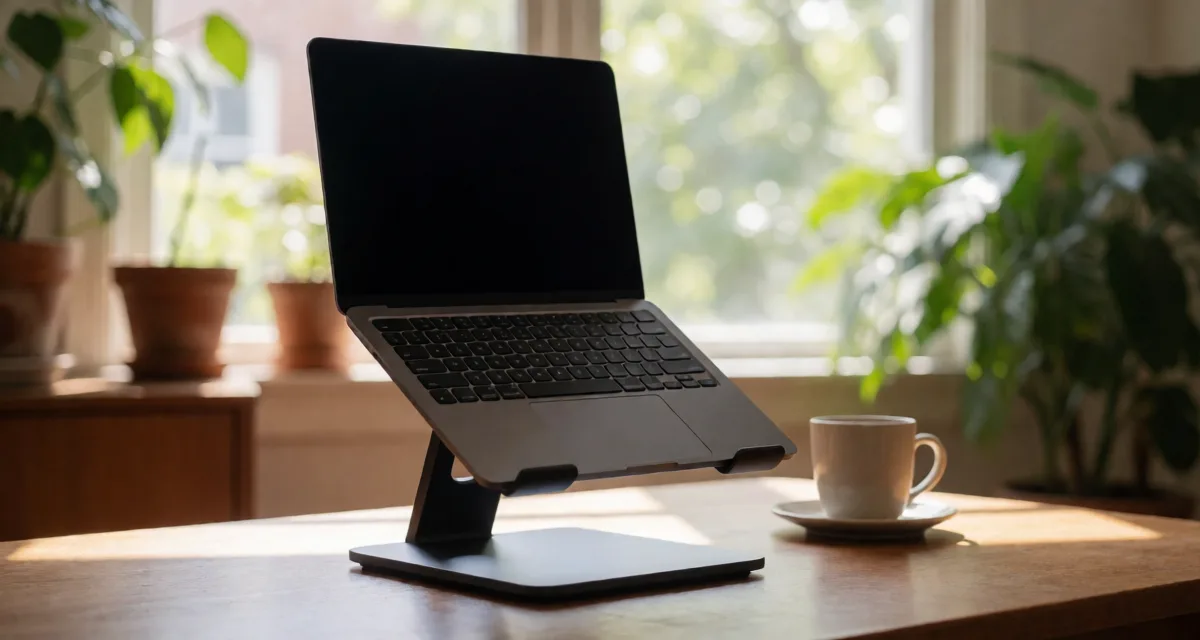
Rain Design mStand Laptop Stand Review: Is the Classic Still Worth It in 2026?
Is the Rain Design mStand still worth roughly $45 in 2026? Our review breaks down its single-piece aluminum build, fixed-height ergonomics, cable management, and how it compares to adjustable and folding laptop stands.

Anker PowerConf C200 2K Webcam Review
Step up from 1080p without going full 4K. The Anker PowerConf C200 delivers crisp 2K video, a real privacy shutter, and stereo mics for less than most flagship webcams.
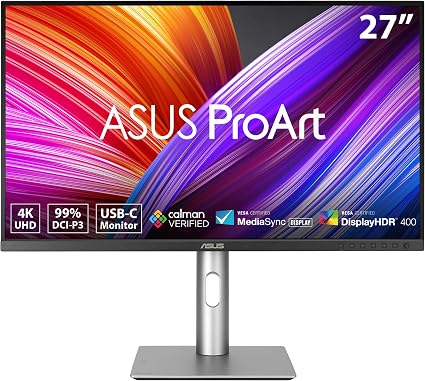
ASUS ProArt PA279CRV 27-inch 4K HDR Monitor Review
A factory-calibrated 4K IPS panel with 99% DCI-P3, USB-C with 96W power, and Calman Verified out of the box. The PA279CRV is a creator's daily driver.