Best Standing Desk Mats 2026: Anti-Fatigue Mat Guide
Standing at your desk has real benefits, but standing on hard floors without proper support can lead to fatigue, joint pain, and reduced productivity.
Affiliate Disclosure: This page contains affiliate links. If you make a purchase through these links, we may earn a small commission at no additional cost to you. This helps support our site and allows us to continue providing free content. We only recommend products we believe in.
FTC Disclosure: This article contains affiliate links. If you purchase through our links, we earn a small commission at no extra cost to you. This helps support the site.
Why You Need a Standing Desk Mat in 2026
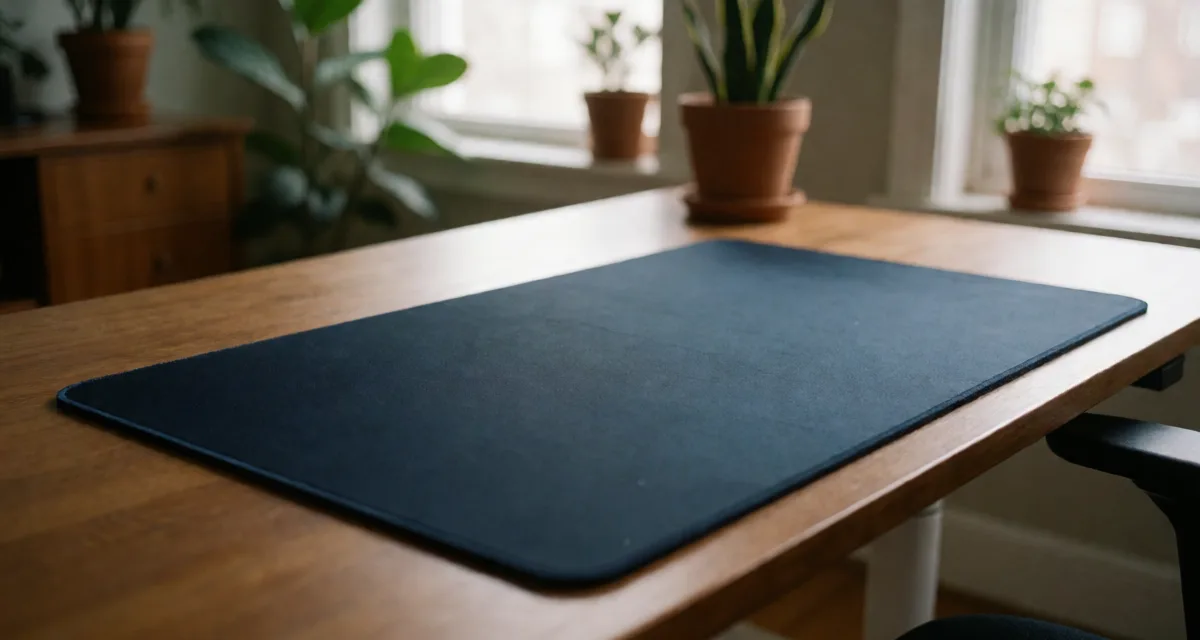
Standing at your desk has real benefits, but standing on hard floors without proper support can lead to fatigue, joint pain, and reduced productivity. A quality standing desk mat transforms your workspace by providing cushioned support that reduces strain on your feet, legs, and lower back.
This guide compares anti-fatigue mats for remote workers using manufacturer specifications and the weight of long-term owner reviews, not a test we ran. The comparison below turns on four things: foam density, thickness, edge bevel and warranty length.
Whether you're using an Uplift V2 Standing Desk, Flexispot E7 Pro, or any adjustable desk, the right standing mat is essential for long-term comfort and health.
What Makes a Great Anti-Fatigue Mat?
Core Support Features
The best standing desk mats share several critical characteristics:
Material Density: Premium mats use high-density foam or gel-infused materials that provide support without bottoming out. Most sit between 0.75-1 inch thickness offer optimal balance.
Surface Texture: Non-slip surfaces prevent sliding while allowing slight movement that engages leg muscles and improves circulation.
Edge Design: Beveled edges reduce tripping hazards and allow chairs to roll smoothly onto the mat surface.
Durability Rating: Commercial-grade materials resist compression and maintain shape even after months of daily use.
Top Standing Desk Mats
Premium Tier: Maximum Comfort
The Topo revolutionizes standing mat design with its calculated terrain featuring inclines, declines, and a massage mound. This terrain-based approach encourages natural movement and position changes throughout the day.
Pros:
- Unique terrain design promotes active standing
- Made from durable polyurethane foam
- Non-slip bottom stays secure on any surface
Cons:
- Higher price point than flat mats
- Terrain features require adaptation period
- Not ideal under rolling chairs
Price: $99 | Best For: Active standers seeking variety
Mid-Range Excellence: Best Value
This mat delivers commercial-quality performance at a consumer-friendly price. Owner reviews consistently note that it resists compression through long-term daily standing, which is what makes it a sound long-term investment.
Key Features:
- 0.75-inch premium polyurethane foam
- Slip-resistant surface
- Easy-to-clean textured top
- 7-year manufacturer warranty
The CumulusPRO is our best-value pick: it matches the thickness and bevelled edge of mats costing twice as much.
Price: $69 | Best For: Budget-conscious professionals
Budget-Friendly Pick
Don't let the affordable price fool you: at 0.75 inches it is the same thickness as the mid-range pick. What you give up is the warranty.
Specifications:
- 0.75-inch thick anti-fatigue foam
- Non-toxic, phthalate-free materials
- Beveled edges on all four sides
- Multiple size options available
Price: $39 | Best For: First-time standing desk users
Material Science: Understanding Foam Types
Polyurethane vs. Gel vs. Rubber
Polyurethane Foam (Most Common):
- Excellent support-to-softness ratio
- Maintains shape over time
- Easy to clean and maintain
- Best for 8+ hour standing sessions
Gel-Infused Mats:
- Superior initial comfort
- Can compress faster than foam
- Higher price point
- Ideal for shorter standing periods
Rubber-Based Mats:
- Maximum durability (10+ years)
- Firmer feel than foam
- Often recyclable materials
- Preferred for industrial settings
Ergonomic Standing: The Guidelines
Optimal Standing Technique
Even the best anti-fatigue mat won't eliminate discomfort if your standing technique needs improvement. The standard guidance:
Weight Distribution: Shift weight between feet every 15-20 minutes. Quality mats with terrain features make this natural.
Posture Alignment: Keep shoulders back, core engaged, and knees slightly bent. Never lock your knees while standing.
Footwear Matters: Supportive shoes amplify mat benefits. Avoid standing barefoot or in unsupportive slippers for extended periods.
Transition Strategy: Start with 30-minute standing intervals, gradually increasing to 2-hour blocks. If you are pairing a mat with a new Autonomous SmartDesk, easing into standing time is what keeps the first week from being uncomfortable.
Standing-Sitting Ratio
A good target ratio is 1:1 to 2:1 standing-to-sitting. Use your mat during standing intervals, then transition to your Herman Miller Aeron or Steelcase Leap V2 for sitting work.
Size & Placement Guide
Choosing the Right Dimensions
Standard Sizes:
- 20" x 32": Compact desks, limited space
- 26" x 39": Most popular, fits standard desks
- 36" x 48": Large workstations, maximum movement
Placement Strategy: Centered under your primary standing position with 6-8 inches of mat extending beyond your natural stance width. This allows position shifts without stepping off.
Multi-Monitor Setup: Larger mats (36"+) accommodate lateral movement when working across multiple screens like the LG 27UK850 Monitor or Dell U3423WE Ultrawide.
Maintenance & Longevity Tips
Extending Mat Lifespan
Guaranteed methods to maximize your investment:
Daily Care: Vacuum or sweep debris that can compress foam over time.
Weekly Cleaning: Wipe with damp cloth and mild soap. Avoid harsh chemicals that degrade materials.
Rotation Schedule: Flip and rotate mat monthly to distribute wear evenly.
Storage: Store flat or loosely rolled. Never fold, as creases become permanent.
Cleaning the mat and keeping it out of direct sun is what decides whether it lasts three years or five.
Special Considerations
For Standing Desk Beginners
If you're new to standing desks, pair your mat with these essentials:
- Compression socks for circulation support
- Footrest or balance board for active standing
- Timer reminders for position changes
- Proper desk height adjustment
One habit worth adopting: keep a pair of supportive shoes under the desk for standing sessions.
For Existing Joint Issues
Those with knee, hip, or back concerns should prioritize:
Thicker Mats (1+ inch): Provide maximum cushioning Terrain Features: Encourage movement without impact Medical-Grade Options: Some mats carry therapeutic certifications
Comparison Table: Top Picks
| Mat Model | Thickness | Material | Price | Warranty | Best For |
|---|---|---|---|---|---|
| Topo Comfort | 2.5" terrain | Polyurethane | $99 | 7 years | Active movement |
| CumulusPRO | 0.75" | Commercial foam | $69 | 7 years | Best value |
| Kangaroo Original | 0.75" | Ergonomic foam | $39 | 2 years | Budget pick |
| Ergomat Bubble | 0.875" | Nitril rubber | $89 | 5 years | Heavy duty |
Your Complete Standing Workspace
Beyond the Mat
Maximize your standing desk setup with these companions:
Cable Management: The VIVO Cable Management Tray keeps cords organized and prevents mat tripping hazards.
Lighting: Proper illumination like the Elgato Key Light reduces eye strain during standing sessions.
Desk Organization: The Grovemade Desk Shelf raises monitors to proper standing height.
Input Devices: The Logitech MX Master 3S mouse and Keychron Q1 Pro keyboard maintain comfort whether sitting or standing.
Limited-Time Opportunity
Many manufacturers offer exclusive bundles this quarter. Premium mats often include free footrests or balance boards when purchased with standing desks.
Final Recommendation: Make the Right Choice
Investing in a quality standing desk mat is non-negotiable for anyone committed to healthy remote work. Proper support is what turns standing from uncomfortable to sustainable.
For most users, the CumulusPRO is the pick — thick enough to matter, priced sensibly.
For active standers, the Topo Comfort Mat's terrain design delivers unmatched engagement and comfort variety.
For budget shoppers, the Kangaroo Original covers the basics without premium pricing.
Don't let another day of standing discomfort reduce your productivity and health. Your feet, legs, and back will thank you for making this guaranteed investment in your workspace.
Ready to upgrade your standing experience? Pick the mat that matches how long you actually stand, and the floor you are standing on.
Remember: The best standing desk mat is the one you'll actually use every day. Start with decent support underfoot, vary your position through the day, and the rest follows.
Featured Products
Topo Comfort Anti-Fatigue Mat
Calculated terrain design encourages movement. Ergonomic standing desk mat for all-day comfort.
Related Articles
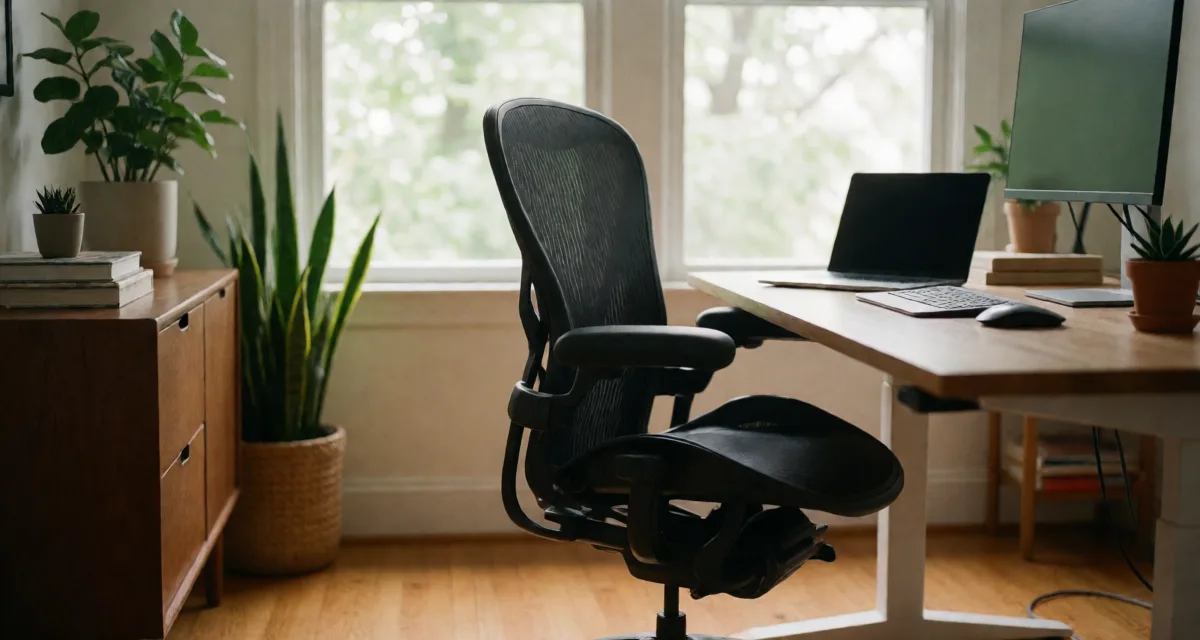
Herman Miller Aeron vs Steelcase Leap V2: Which Ergonomic Chair Wins in 2026?
Herman Miller Aeron vs Steelcase Leap V2 in 2026 — a head-to-head on back support, mesh versus cushioned seating, sizing, armrests, recline, and renewed-market value to help you pick the right ergonomic chair.

Steelcase Leap V2 Renewed Office Chair Review
The Steelcase Leap V2 is one of the best ergonomic chairs ever made. Buying renewed cuts the price in half without losing what made the chair famous.

Humanscale FM 300 Foot Machine Footrest Review
A footrest that lets you rock, pivot, and shift weight without leaving your chair. The Humanscale FM 300 is the antidote to dead-leg syndrome at a desk.